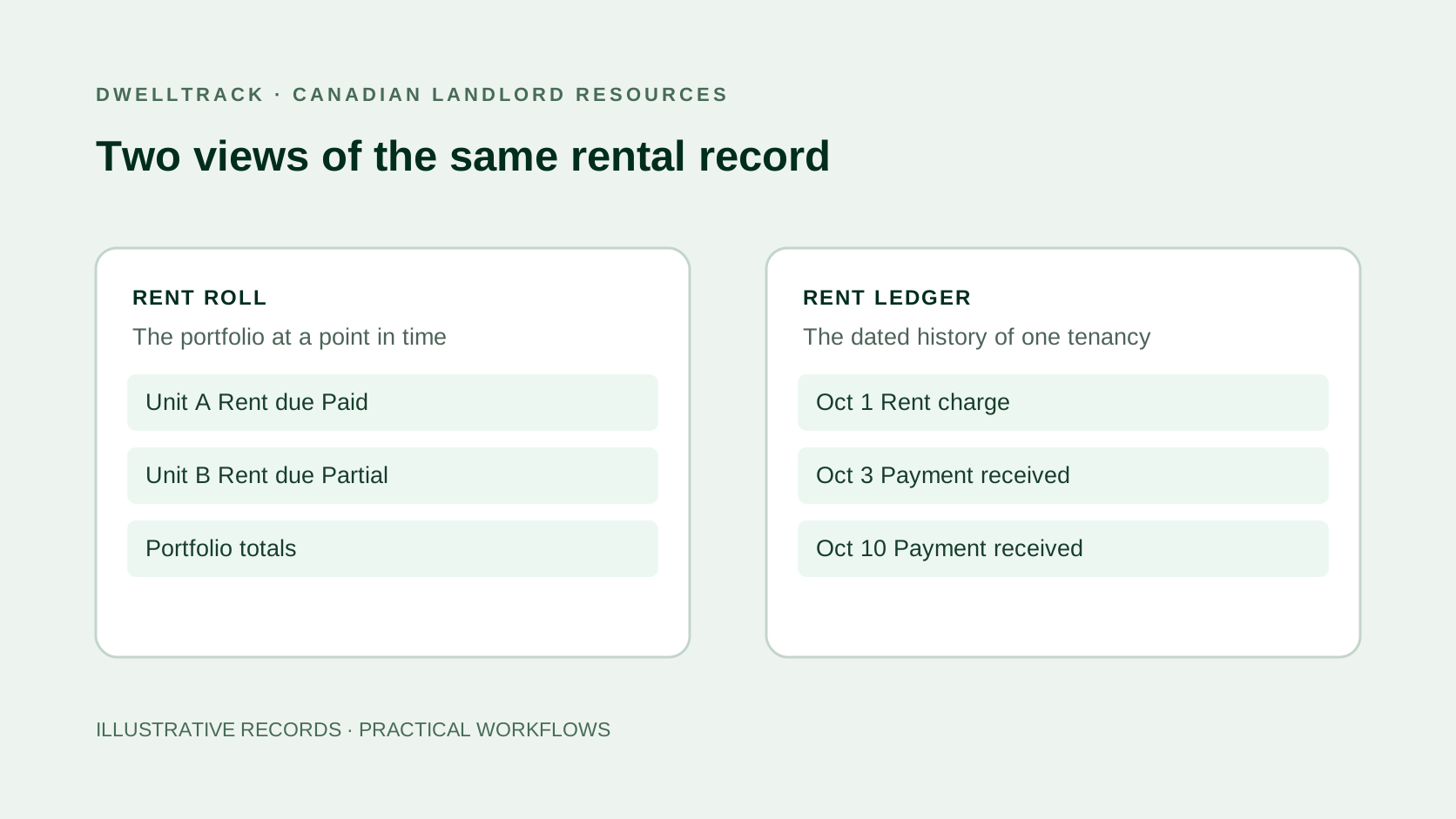
What is a rent roll?
A rent roll brings units, tenants or tenancy references, lease information, and scheduled rent into a summary. It helps you inspect the portfolio without reading every transaction. Define the reporting month and the meaning of each amount before sharing it: scheduled rent, rent actually due, and cash received can differ.
Software may add payment status and collection columns. DwellTrack’s monthly rent roll includes rent due, paid toward the month, balance, status, and payment details. Those columns make follow-up easier, while the underlying transactions remain necessary to explain a balance.
What is a rent ledger?
A ledger follows the history of one tenancy. Each dated charge increases the amount owed, each allocated payment or credit reduces it, and the running balance shows the result. The entries should remain traceable to the lease, payment evidence, and any documented correction.
Start with the free Canadian rent ledger template if you need a printable PDF, spreadsheet, or CSV. Downloads are available without signup.
| Question | Rent roll | Rent ledger |
|---|---|---|
| What does this cover? | A property or portfolio for a reporting period | The dated history of a particular tenancy |
| What does each row represent? | Usually a unit or lease | A charge, payment, credit, or correction |
| What should I check? | Unit, tenancy, reporting month, rent, and the meaning of collection columns | Date, description, charge, allocated payment, evidence, and running balance |
| How do I explain arrears? | Identify the tenancy that needs attention | Trace the entries that produced the balance |
Example: a two-unit rent roll with a partial payment
These illustrative figures are in Canadian dollars and contain no real tenant records. Both units are occupied for October, with no prior balances, credits, or adjustments.
| Unit | October rent due | Paid toward October | Outstanding |
|---|---|---|---|
| Unit A | $1,800 | $1,800 | $0 |
| Unit B | $2,200 | $1,400 | $800 |
| Portfolio total | $4,000 | $3,200 | $800 |
The summary identifies Unit B’s $800 outstanding balance. It does not, by itself, explain the payment dates or show whether $1,400 arrived in a single payment or several instalments.
The ledger explains the same $800 balance
| Date | Entry | Charge | Payment | Balance owed |
|---|---|---|---|---|
| October 1 | October rent | $2,200 | — | $2,200 |
| October 3 | First payment | — | $1,000 | $1,200 |
| October 10 | Second payment | — | $400 | $800 |
The two payments total $1,400, leaving $2,200 − $1,400 = $800 owed. A receipt should describe the payment actually recorded; receiving part of the rent does not turn the whole month into a paid month.
For a payment covering more than one month, preserve the allocation to each charge. For a correction, keep the reason and supporting evidence. These details are particularly useful when preparing a late-rent recordkeeping timeline.
DwellTrack for Canadian landlords
See who has paid in DwellTrack.
Keep rent charges, partial payments, outstanding balances, and receipts attached to the right tenant and lease. Review the monthly rent roll and export the record when you need it.
Manage property expenses and maintenance in the same workspace, with Kevin AI to help prepare receipt expenses. Your rental record can grow with your portfolio.
No credit card required. Free for one managed unit, with 10 lifetime Kevin AI trial actions.
Keep the roll and ledger consistent each month
- Select the same reporting month and review date for the comparison.
- Check that each rent amount agrees with the saved lease and the relevant charge.
- Match payments to the correct tenancy and period; preserve unallocated amounts for review.
- Check that the ledger balances explain the summary’s outstanding amounts.
- Export a dated copy and keep the payment evidence with your records.
A payment received this month can settle an earlier charge, so cash received in October and rent paid toward October need not match. Keep the report’s definitions with the export and ask your accountant how those records fit their reporting process.
The Canadian rental-bookkeeping guide places this rent review alongside property expenses and receipt evidence.
Move from manual rows to connected rent records
DwellTrack connects properties, units, tenants, leases, rent charges, payment records, and receipts. Record cash or other payments manually, or use Interac e-Transfer notification tracking without a bank connection. Its rent-roll CSV export carries the reporting month and collection details.
Rent receipts use confirmed payment records. Property expenses, maintenance, and Kevin AI’s receipt preparation belong to the broader platform; a rent ledger is one part of the rental record.
Track one managed unit free, or continue with the free ledger template if a manual record fits your current needs.