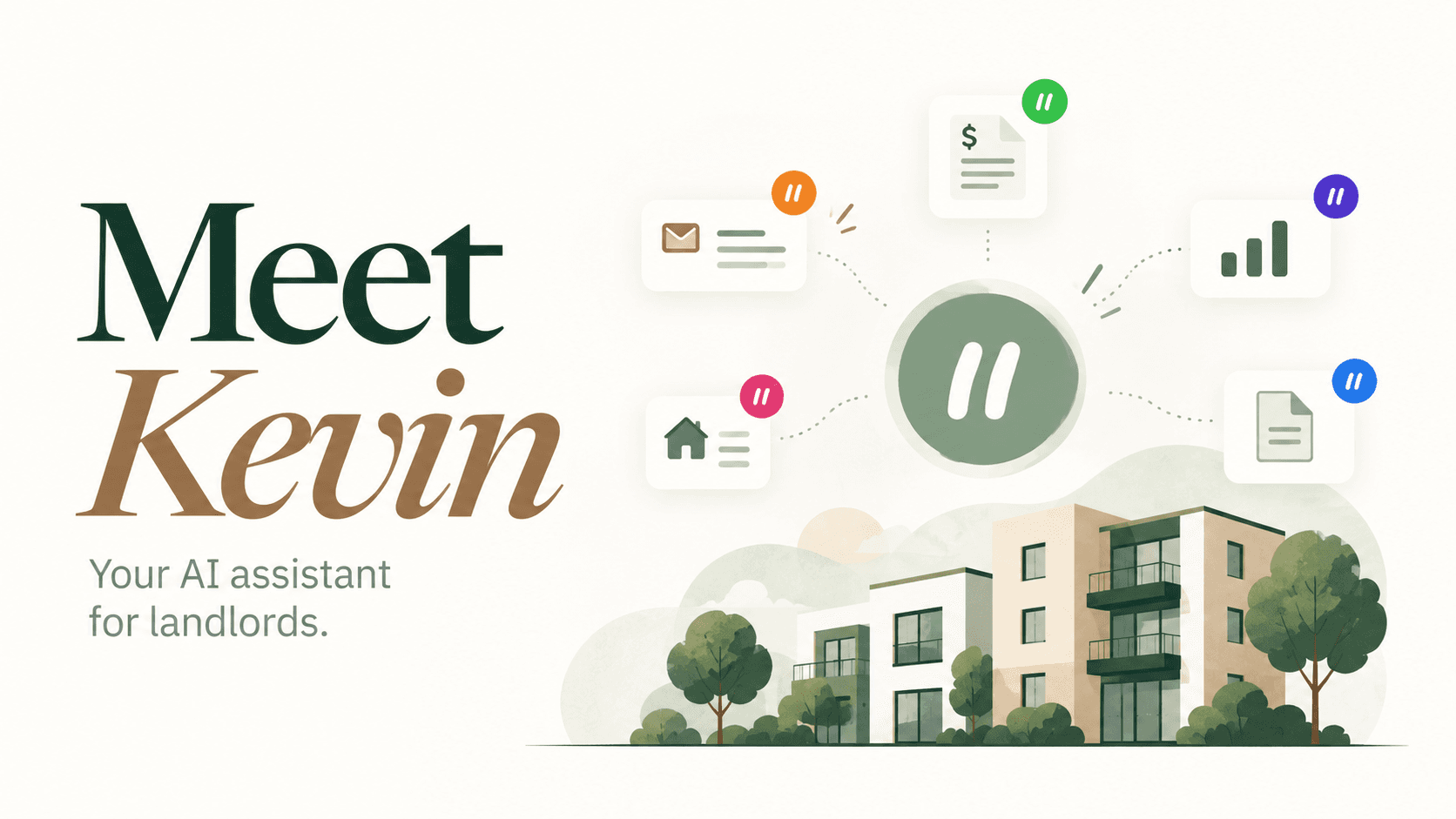
A major upgrade to the way you manage rentals
Keeping records is only part of managing a rental. The receipt still needs to become an expense. The payment needs to reach the right tenancy. The overdue balance needs a decision about what to do next. Those small handoffs are where administration piles up.
Kevin brings an assistant into the workspace where your properties, tenancies, and rent records already live. Give him a task in ordinary language, send a receipt, or ask a question. He can prepare expense and rent-payment records, handle eligible forwarded receipts in the background, and offer an AI Advisor document plan when rent is overdue.
This is a major upgrade for DwellTrack: your workspace helps you move from saved information to reviewed actions. You spend less time transferring details between screens and more time deciding what your property needs.
Turn a receipt into a record, without the retyping
Upload a PDF, JPG, PNG, or HEIC receipt. Kevin extracts the readable vendor, amount, date, description, and category. Tell him which property or unit it belongs to, then check the prepared details and confirm to log the expense.
You can also describe an expense without uploading anything: “Record an $84.20 repair-supply expense for Unit 2, paid today.” Include the vendor and category if you know them. Kevin asks for missing information rather than silently choosing a property or inventing an amount.
Keep bookkeeping moving while you’re away
A receipt sitting in your inbox is another task waiting for you. Your DwellTrack forwarding address gives receipts and invoices a direct route into bookkeeping. Include the property or unit in your email to help Kevin assign the expense. You can find the address in his activity page and add it to your contacts.
Processing happens in the background, even when you’re signed out. If automatic logging is enabled, eligible clear forwarded receipts can become expense records without another visit to the app. Uncertain details wait for your input in Kevin activity. This workflow handles the messages you forward to DwellTrack; it does not require access to your entire inbox.
Go from overdue rent to a plan for what comes next
Kevin can bring overdue rent to your attention without waiting for you to ask. While you use the app, he checks your saved rent records every 12 hours. When there is an outstanding overdue balance, his popup asks whether you would like advice about what to do next.
Choose “Yes, advise me” to open AI Advisor. The tenancy is selected and the situation is already filled in with the outstanding amount, rent period, due date, and property details from your records. Kevin starts generating the document plan automatically, so you do not need to retype the facts or click Generate.
Review the suggested next steps and documents before taking action. Links to document generators and the forms library open in a new tab, keeping your advisory report available. Kevin offers the handoff; you decide whether to accept it and which steps to take.
See how the handoff works
Choose an example below. These are illustrations of the workflow, not live account data or transactions.
YOU SEND
A $84.20 hardware-store receipt for Unit 2 at 147 Heritage Place.
Kevin
I’ve read the receipt: $84.20 for repair supplies. Check the vendor, date, category, and property before confirming.
Expense prepared for review
An in-app upload waits for your confirmation before the expense is logged.
Get portfolio answers without the screen hopping
“What rent is overdue?” “Which properties do I manage?” “How many tenants are in my workspace?” Kevin can answer from the saved property list, tenant count, and due or overdue rent records available to him when you ask. That gives you a quick starting point without opening several screens.
He can also prepare a rent payment when you provide the tenant or property and unit, amount, rent month, received date, and payment method. You review the payment and its effect on the outstanding balance before confirming it.
More help. Your decisions.
The useful part of an agent is the work it can take off your list. The important part is knowing when it needs you. Kevin’s activity shows receipts, prepared records, completed work, and items awaiting input. In-app receipt uploads and rent payments require confirmation. Automatic logging for forwarded receipts is a preference you choose.
Edit a preview before confirming, cancel an unconfirmed action, or use Undo where it is available for an unchanged recorded entry. Kevin is a bookkeeping assistant, not a guarantee that a receipt is accurate or a tax classification is correct. Review the source document and use your judgment when an expense needs professional advice.